keycap packaging


packaging
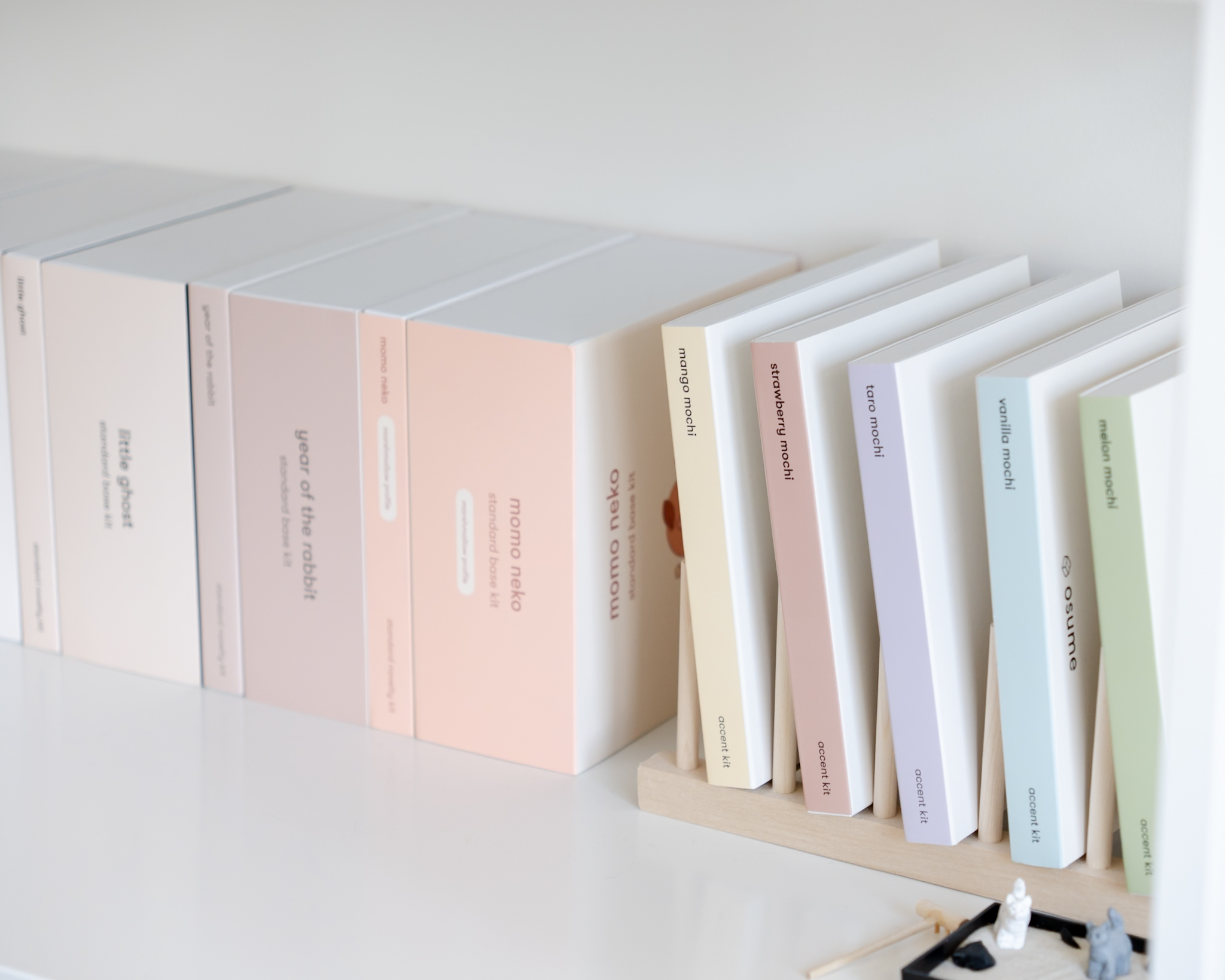
our keycap packaging is thoughtfully designed with usability in mind. we wanted our packaging to be both practical and aesthetic. the square packaging design keeps everything neat and compact for easy storage, while the cute box art makes it a perfect decoration piece for your shelves.
organization
trays
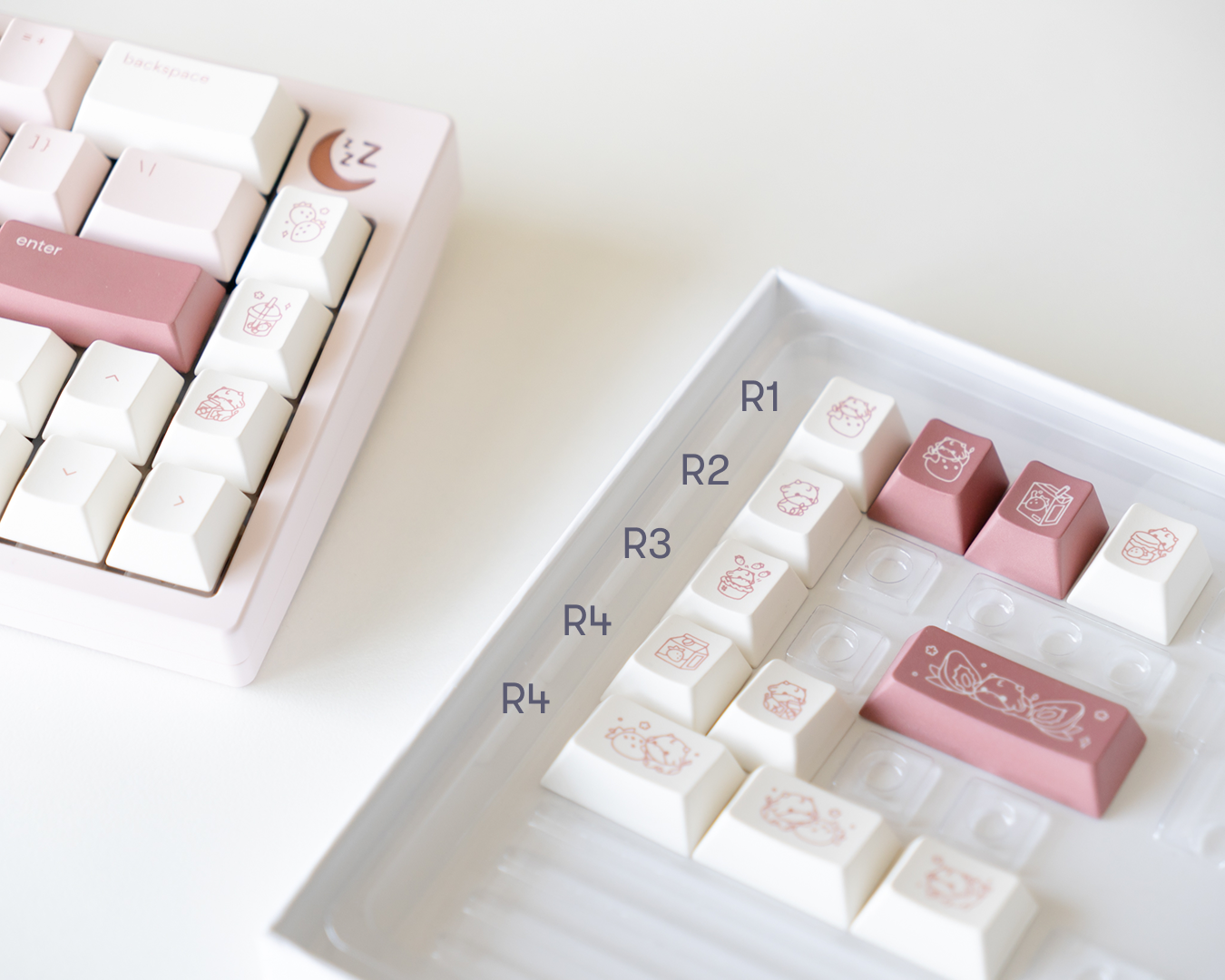
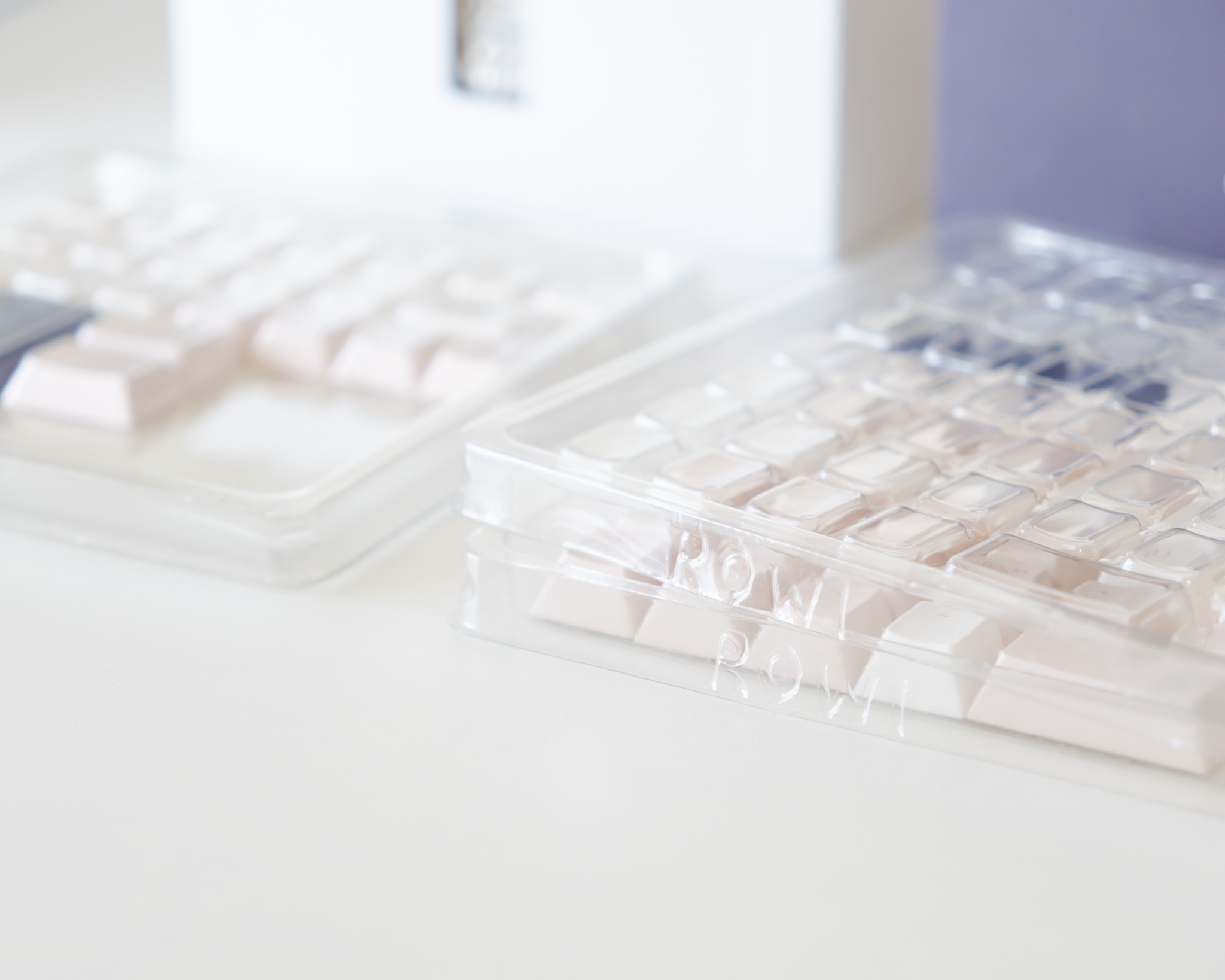
each tray is numbered 1-4 to correspond with the rows of a standard keyboard layout, from the top row (1) to the bottom row (4). this organization makes it easy to locate where each key belongs and ensures a more intuitive setup experience.
row placement
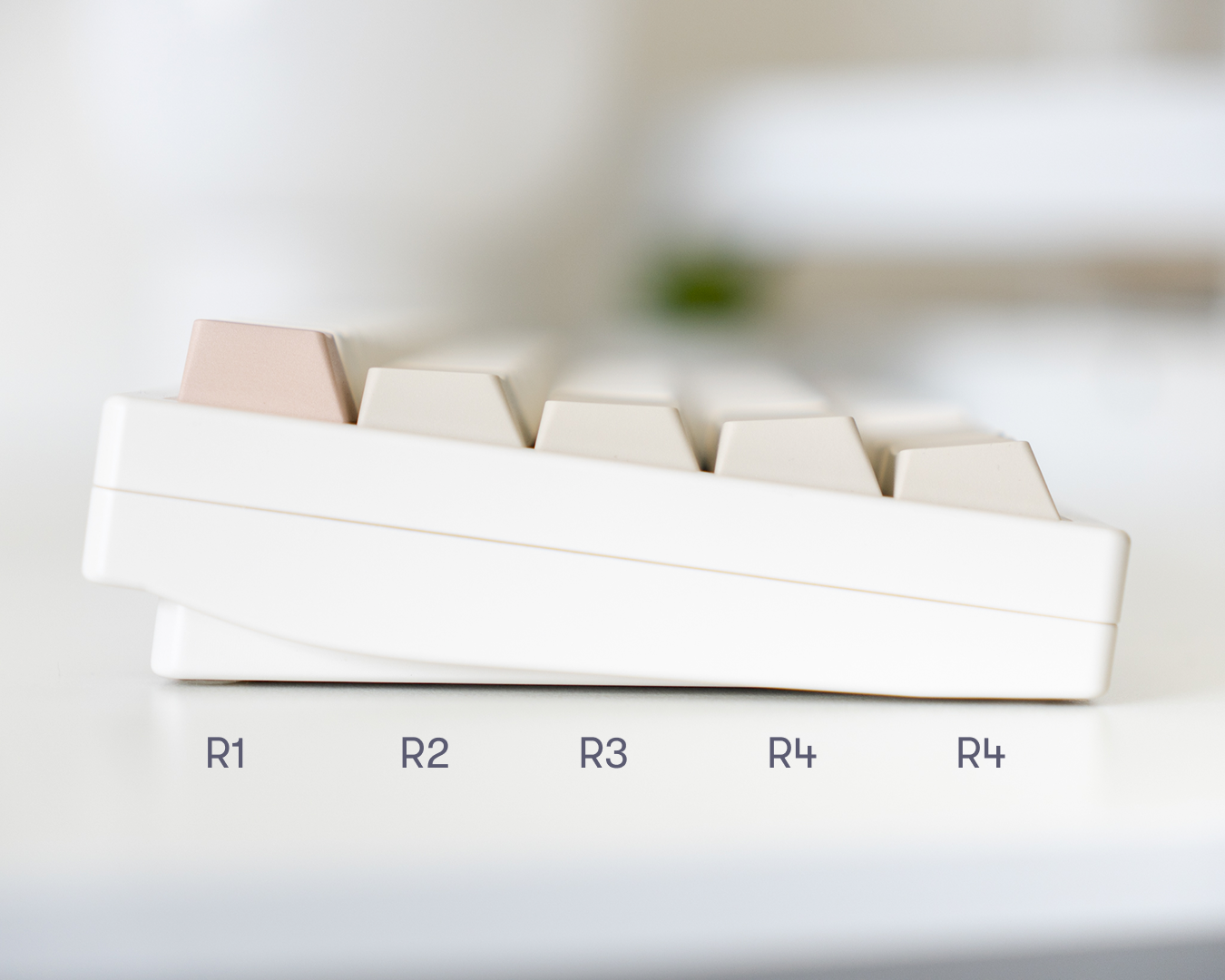
for our classic cherry profile keycaps, row placement is especially important. the keycaps for each row are sculpted with a specific height and angle to match your hand’s natural movement. following the tray order helps maintain a more comfortable typing experience and consistent appearance.
for marshmallow profile keycaps, row-specific placement isn’t as critical since the profile is uniform, but the trays still offer a helpful guideline for where each keycap goes.
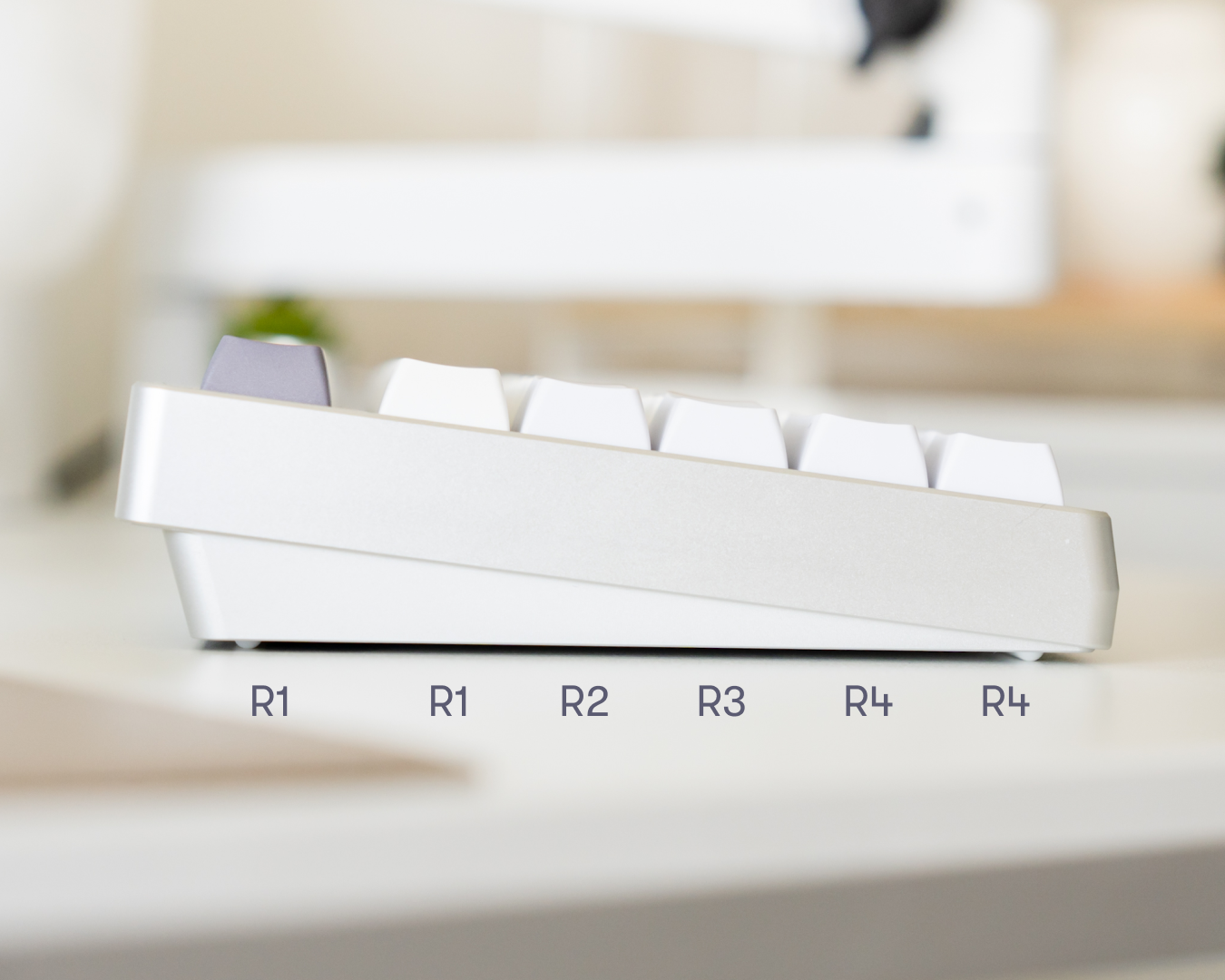
to learn more about keycap profiles and row sculpting, visit our help section here.
you might also notice that row 4 is divided into two trays: 4-1 and 4-2. since this row includes a larger number of keys, we’ve split it for easier navigation. tray 4-1 contains most of the keys you’ll need for standard layouts, but if you can’t find the one you’re looking for, it’s likely in tray 4-2.
labels
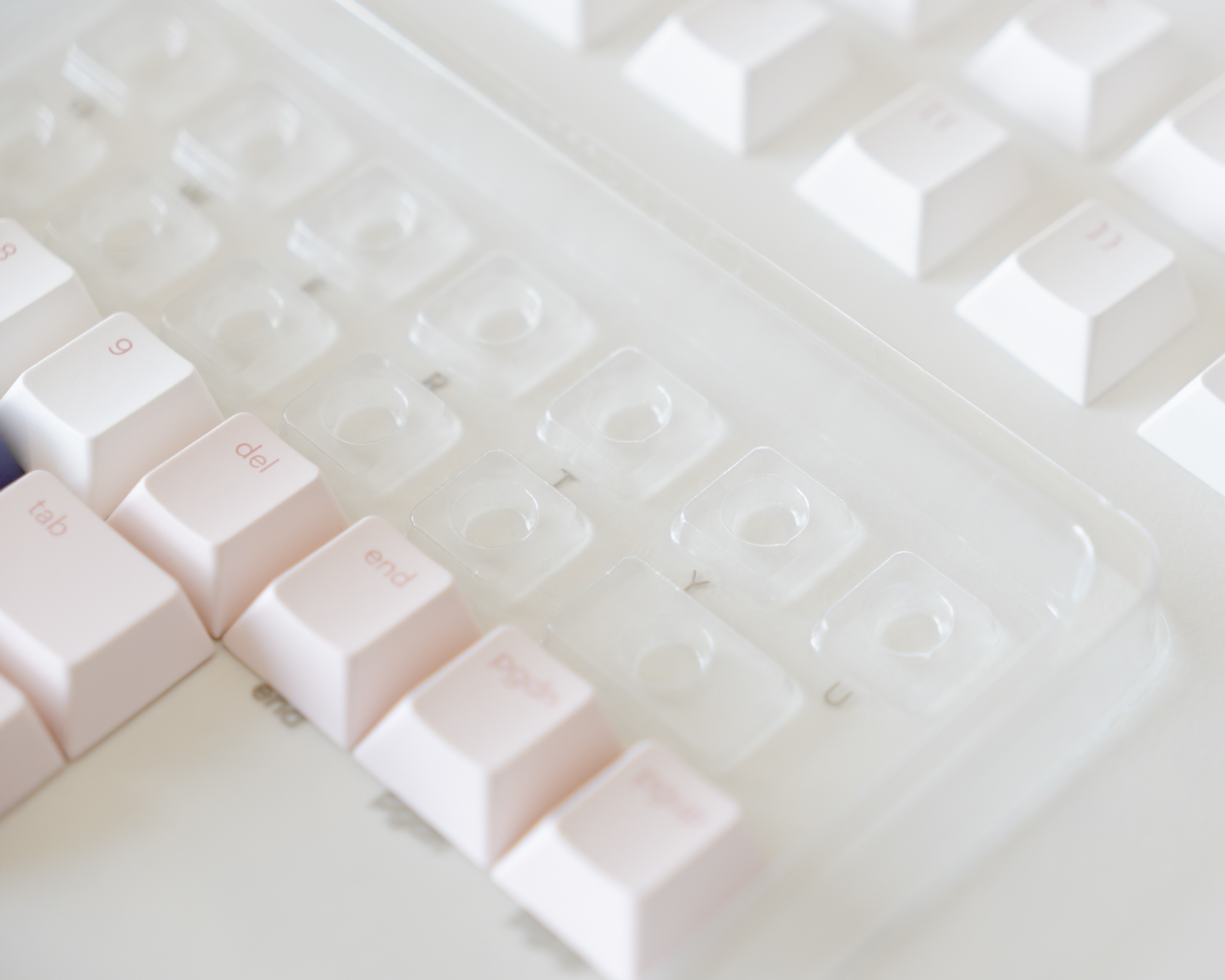
each space on the tray is clearly labeled, so you always know which key goes where. this is especially helpful if you ever want to swap out your keycaps and keep everything organized for future use.
common mistakes
duplicate keys
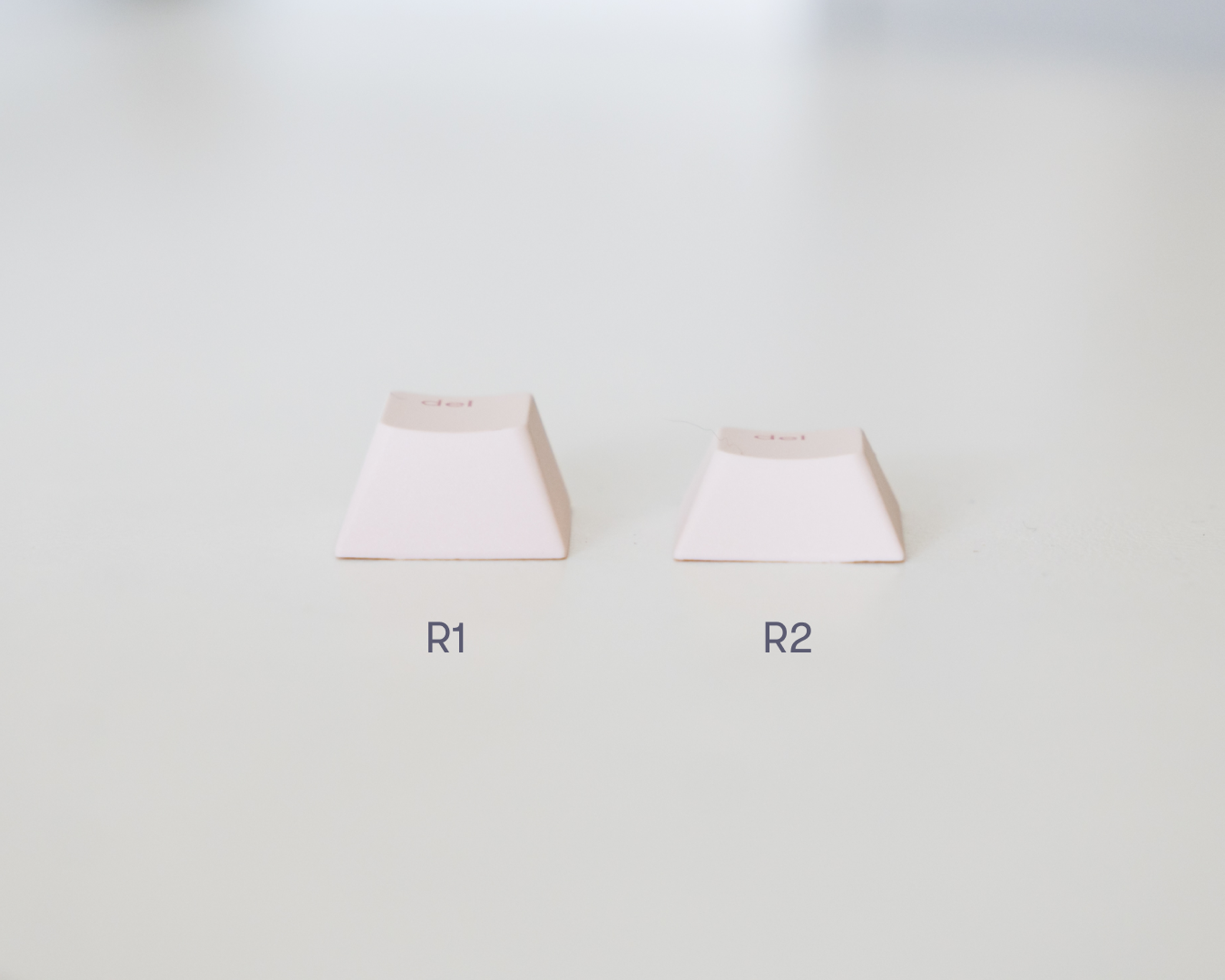
you may notice some trays include duplicate keys—like the del key appearing in both row 1 and row 2. in cases like these, it’s important to pay attention to both your keyboard layout and the tray you’re pulling from, especially when working with our classic cherry profile keycaps. keys in different rows can have significant height and angle differences, which may affect the look and feel of your setup.
using the wrong sized key
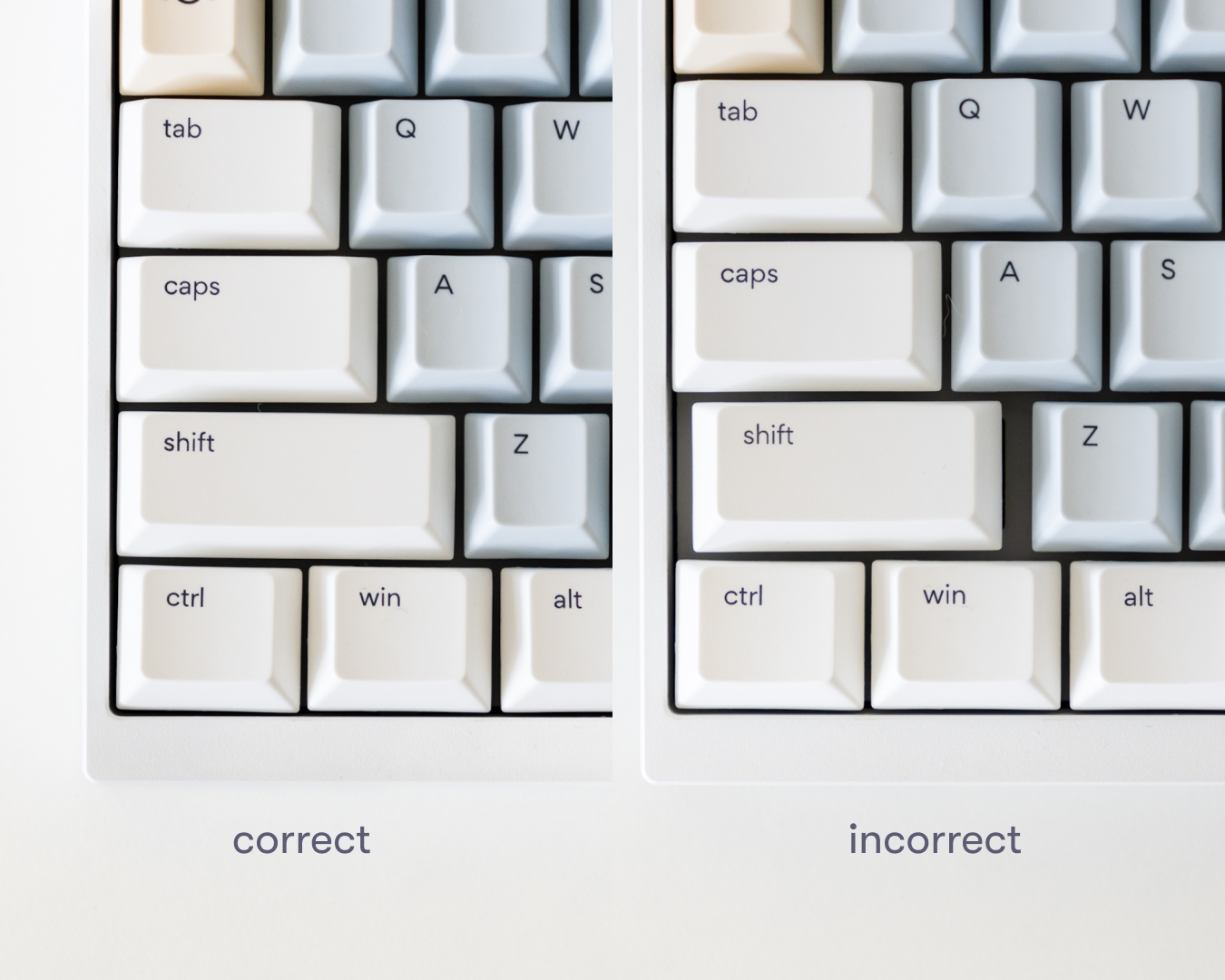
some keys, like shift, are included in multiple sizes to support different layouts. if you spot a noticeable gap after placing one, it likely means the key isn’t the right fit for your board. double-checking your keyboard’s layout and the available key sizes can help ensure a clean, seamless fit.
novelty keys
our novelty kits are also sorted by row to match the sculpted shape of cherry profile keycaps. for the best comfort and consistency, it’s recommended to place each key in its intended row. still, if there’s a design you really love, feel free to place it wherever it makes you happiest—there are no hard rules when it comes to personalizing your board.